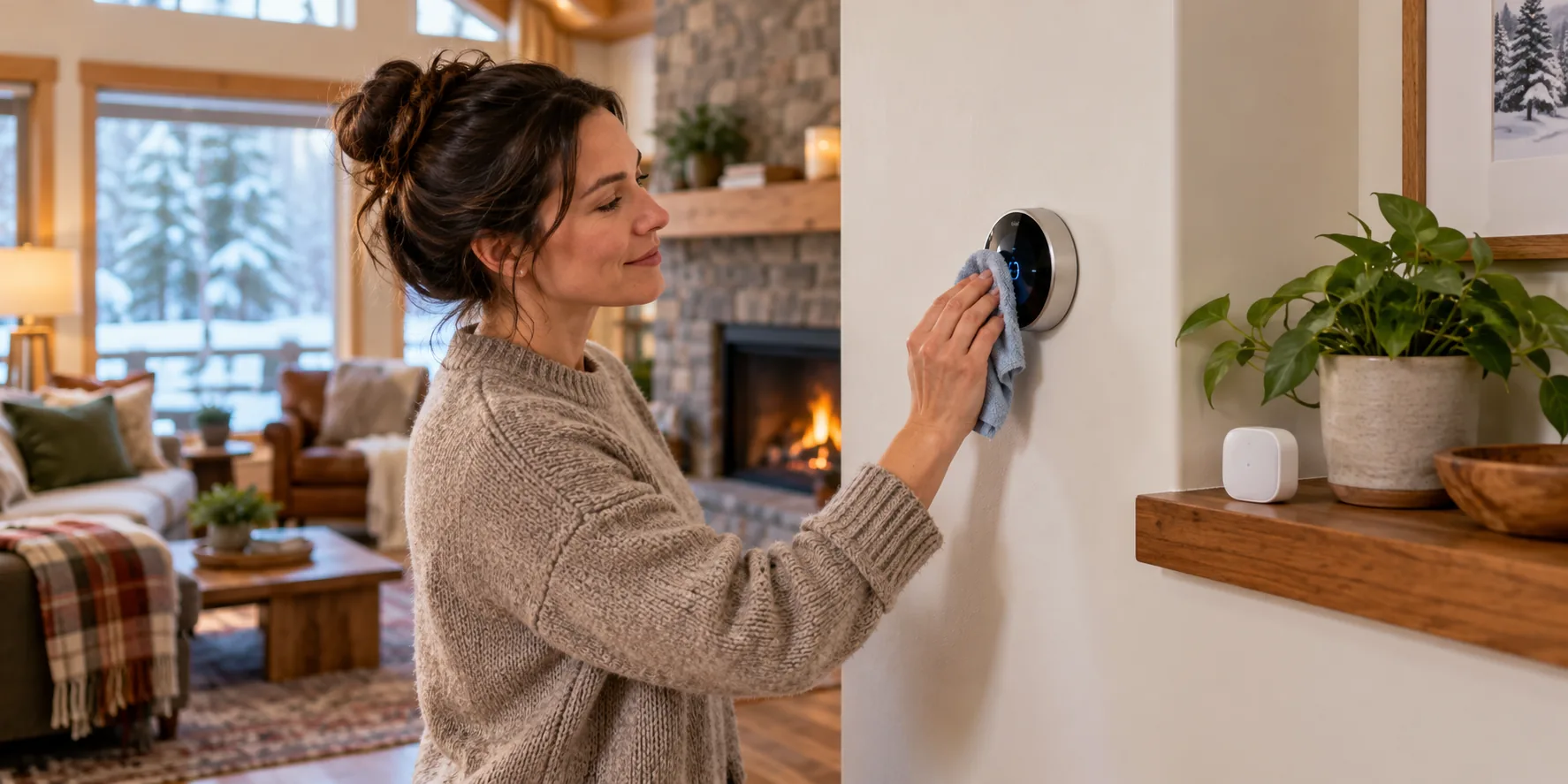
Thermostat maintenance is really two separate jobs that get treated as one. Keeping the device itself working, meaning batteries, sensors, and a clean connection to the system, is a five-minute task a few times a year. Using its programming to run a winter setback schedule is a completely different habit, and skipping either one quietly wastes the money the thermostat was supposed to save.
The yearly thermostat routine
| Trigger | What to do | Why it sits here |
|---|---|---|
| When the thermostat shows a low-battery alert or the manual says to replace them | Use the battery type listed by the manufacturer; confirm whether the model uses batteries or HVAC-system power. | Power designs and warning lead times vary by model. |
| Once a year | Wipe dust from the thermostat's face and any remote sensors | Dust buildup is a common, easy-to-miss cause of a sensor reading drifting from the room's actual temperature |
| At the start of heating season | Review and update the programmed schedule for your current routine | A schedule built around last year's work-from-home pattern or an old wake time quietly stops saving anything |
| After any HVAC service or system change | Confirm the thermostat still calls for heat and cool correctly | A technician's changes to the equipment can occasionally affect how the thermostat's calls are interpreted |
| For multi-sensor smart systems | Check that furniture, curtains, or clutter haven't blocked a remote sensor | A blocked sensor reports a room condition that no longer matches reality |
| When replacing the HVAC system | Confirm the existing thermostat is compatible before assuming it carries over | Heat pump, multi-stage, and C-wire requirements vary enough that an old thermostat doesn't always match new equipment |
- Low-battery warningUse the battery type in the manual; some models use HVAC-system power instead.
- During the yearClean the face and remote sensors as the manufacturer directs.
- Heating-season startReview the schedule against the household’s current routine.
- After HVAC serviceConfirm the thermostat still calls for heat and cool correctly.
Why "dead thermostat" isn't always the furnace's fault
Battery type and replacement timing vary by thermostat. Replace cells when the device alerts you or its manual says to do so; some smart thermostats receive power through HVAC wiring and may not use replaceable batteries at all. Use the specified battery chemistry and polarity, then check that the display and heating call return to normal.
Rechargeable batteries are generally a poor fit for thermostats. They often deliver a lower steady voltage than alkaline cells, which can trigger a low-battery warning even when there's technically charge left, or fail to power the device reliably at all.
Signs the thermostat is the problem, not the HVAC system
- Display is blank or stuck on a low-battery warning that's been ignored for weeks.
- Temperature reading is noticeably off from a separate thermometer in the same room.
- System short-cycles starting right after a battery change or thermostat swap.
- A saved schedule resets or reverts on its own for no obvious reason.
Programming a setback schedule you'll keep
The U.S. Department of Energy says a programmable thermostat setback of about 7–10°F for 8 hours a day can save up to 10% on heating and cooling, but actual savings depend on the home and system. Follow thermostat and HVAC guidance, especially for heat pumps, radiant floors, and systems that use auxiliary heat. Choose a schedule that matches real sleep and away times so it is not constantly overridden.
Build the schedule around when the house is empty or asleep. A modest setback you never override beats an aggressive one you cancel by 7 a.m. every morning. Most smart thermostats will even show you how often you've been overriding the schedule, if you want to check.
A sample weekday schedule to start from
| Time | Setting | Why |
|---|---|---|
| 6:00 a.m., wake up | 68°F | The level the U.S. Department of Energy suggests while you are home and awake in winter |
| 8:30 a.m., leave | 60 to 61°F | An 8-degree setback for the hours nobody is home |
| 5:00 p.m., arrive | 68°F | Start the change about 30 minutes early if your system warms the house slowly |
| 10:30 p.m., sleep | 62 to 64°F | A smaller drop that most people sleep comfortably under a blanket |
These times are examples, so shift them to match your own day. Hold each setting for several hours, because that is where the savings come from. If you have a heat pump, a big setback can trigger the backup electric heat, which costs more than the heat you saved. Keep the setback smaller and check whether your thermostat has a heat-pump or gradual-recovery setting.
Where this becomes an HVAC or electrical job
Swapping batteries and wiping dust off a sensor is homeowner-level maintenance. Call whoever services your equipment for anything involving low-voltage wiring, a missing or added C-wire, or confirming compatibility between a new smart thermostat and an older or higher-stage HVAC system. Installing a thermostat that isn't rated for your system can cause short-cycling or leave auxiliary heat running more than it should. Troubleshooting that after the fact costs more than confirming compatibility up front.
Keep the thermostat's model number and manual, even if it's just a photo of the box, somewhere you can find it later. When it does eventually need replacing, knowing the wiring configuration and compatibility requirements up front saves a return trip to the store, or a service call, for the wrong part.
Thermostat maintenance questions
How do I know it's time to change the batteries instead of waiting for the screen to go blank?
Replace batteries when the thermostat displays its alert or the manual recommends it. The warning period varies, and some models are powered from HVAC wiring instead of replaceable cells. Use the type listed by the manufacturer and confirm the schedule and system respond after replacement.
How much can a winter setback schedule save?
DOE gives a general estimate of up to 10% savings from setting back about 7–10°F for 8 hours a day. Results depend on climate, the house, and the heating system. Heat pumps and radiant systems may need another strategy, so use the thermostat and equipment guidance.
My smart thermostat's temperature reading seems off. Is that a maintenance issue?
Often, yes. Dust on the sensor, a remote sensor blocked by furniture or curtains, or direct sun hitting the thermostat's face can all cause a bad reading. It won't match a separate thermometer in the same room. Wipe the unit down and check sensor placement first. If the reading is still clearly wrong after that, it may be a sensor or wiring issue worth a technician's look.